Create and configure a new integration in Magento to generate API credentials for Wherehouse.
Published on:
Do not index
To connect Wherehouse with Magento via API, you’ll need to create and configure a new integration within your Magento Admin panel. This setup will generate the required API credentials (Access Token, Access Token Secret, Consumer Key, and Consumer Secret) that allow Wherehouse to securely communicate with your Magento store.
Steps on Wherehouse 👨💻
1️⃣ On the Wherehouse dashboard, within the subscription you’d like to authorize, select Platforms from the sidebar
Each account may have multiple depending on the specific requirement, repeat the steps for each.
3️⃣ Click Authorize
Here you will enter the following details/credentials from Magento:
Website URL
Admin User
Admin User Password
Consumer Key
Consumer Secret
Access Token
Access Token Secret
Steps on where to obtain those below ⬇️
Steps on Magento 👨💻
🔒
Magento ties the API key to the user who created it. For traceability, you may wish to create a “Wherehouse” specific admin user and create the key there.
1️⃣ Navigate to Integrations:
Log in to your Magento Admin panel.
Go to System > Extensions > Integrations.
2️⃣ Add New Integration:
Click the Add New Integration button.
3️⃣ Configure Basic Settings:
Under the Integration info tab.
Enter a Name for the integration (e.g., "Wherehouse").
Enter your Magento Admin Password for verification.
You may leave Callback URL and Identity Link URL blank.
4️⃣ Define API Resource Access:
Click on the API tab.
For Resource Access, select All to grant full access
5️⃣ Save and Activate:
Click the Save button.
On the Integrations page, locate your newly created integration and click Activate.
Click Allow to confirm the integration's access.
6️⃣ Retrieve API Credentials:
After activation, Magento will display the API credentials: Consumer Key, Consumer Secret, Access Token, and Access Token Secret.
Copy these credentials, and enter them on the Wherehouse modal (step 5️⃣ in the below)
Back on Wherehouse 👨💻
4️⃣ Enter your Website URL, Admin User, and Admin User Password
5️⃣ Next, enter the Magento API credentials you’ve copied into the Wherehouse mdoal:
Consumer Key
Consumer Secret
Access Token
Access Token Secret
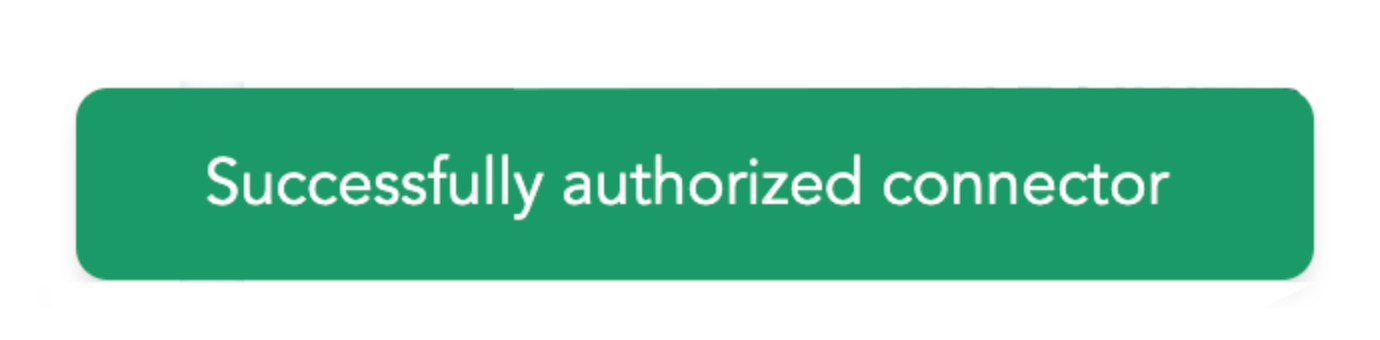
6️⃣ Hit save and if all went well you should see “Successfully authorized connector”.
.png?table=block&id=278a0f1e-cdf7-8074-800b-e21aa25c9317&cache=v2)